No-Code Dashboard Builder

Anyone can make it easily
My own dashboard

Create your own dashboard with just drag & drop without complicated coding. You can freely place various widgets to create an optimal monitoring environment.

Drag & Drop Interface

You can easily place various components such as charts, tables, and maps with just a click and drag of the mouse.

Rich Widget Library

Create ready-to-use dashboards by providing over 50 types of visualization widgets specialized for manufacturing sites.

Custom Layout Design

Based on the grid system, the layout can be freely configured to suit the user's desired size and location.
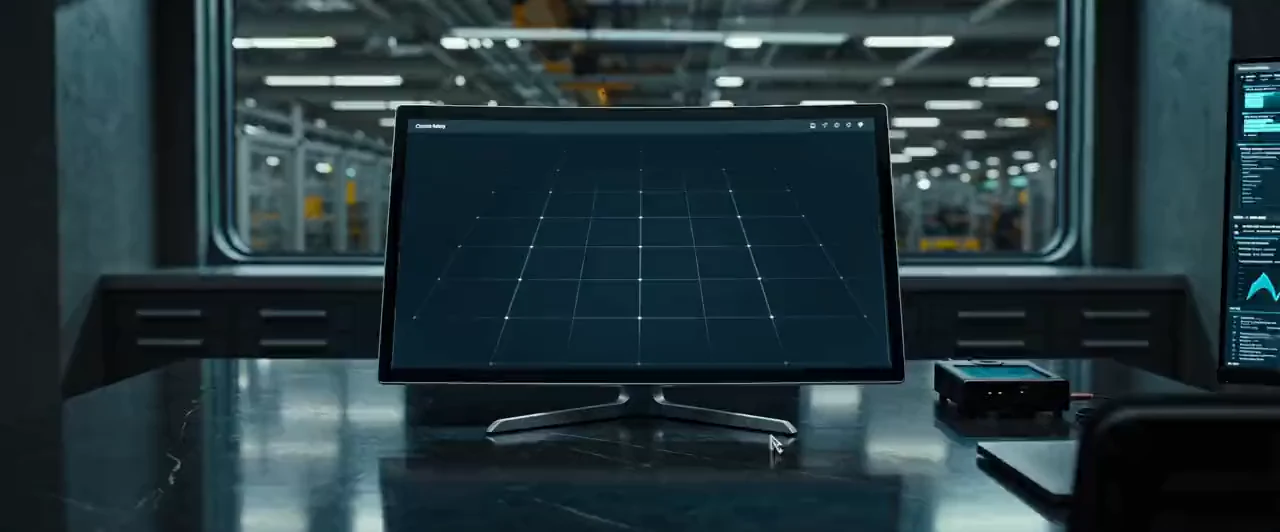
Intuitive Dashboard Creation

Anyone can create professional-looking dashboards without a professional designer or developer.

Component Library

Drag to canvas

Metric Card
Bar Chart
Donut Chart
Geo Map
Auto-Pilot Mode

AI-Assisted Dashboard Generation

Quick Answers

Key questions about UBoard Studio dashboards

How teams visualize manufacturing data and compose operational screens.

What is UBoard Studio?

It is a web-based no-code dashboard tool for arranging widgets, connecting data sources, and visualizing shop-floor and management metrics.

Which dashboards can be built?

Teams can build monitoring views for production, utilization, quality trends, energy, inventory, alarms, and other operational needs.

Does the data connection come first?

Yes. Dashboards require a reliable source and can visualize current data from an existing database or Resource Lake.

Reviewed by: IYULAB technical team
KRKO